How do I get beta access?
Submit the beta access request. Approved testers receive the private code needed to enter the app.
 Mixora
Mixora help
Find the right next step for account access, cocktail generation, restaurant context, saved work, billing, or privacy.
Submit the beta access request. Approved testers receive the private code needed to enter the app.
Open Restaurant to save venue style, inventory, target pricing, bar basics, bottle costs, and prep constraints separately from the Create page.
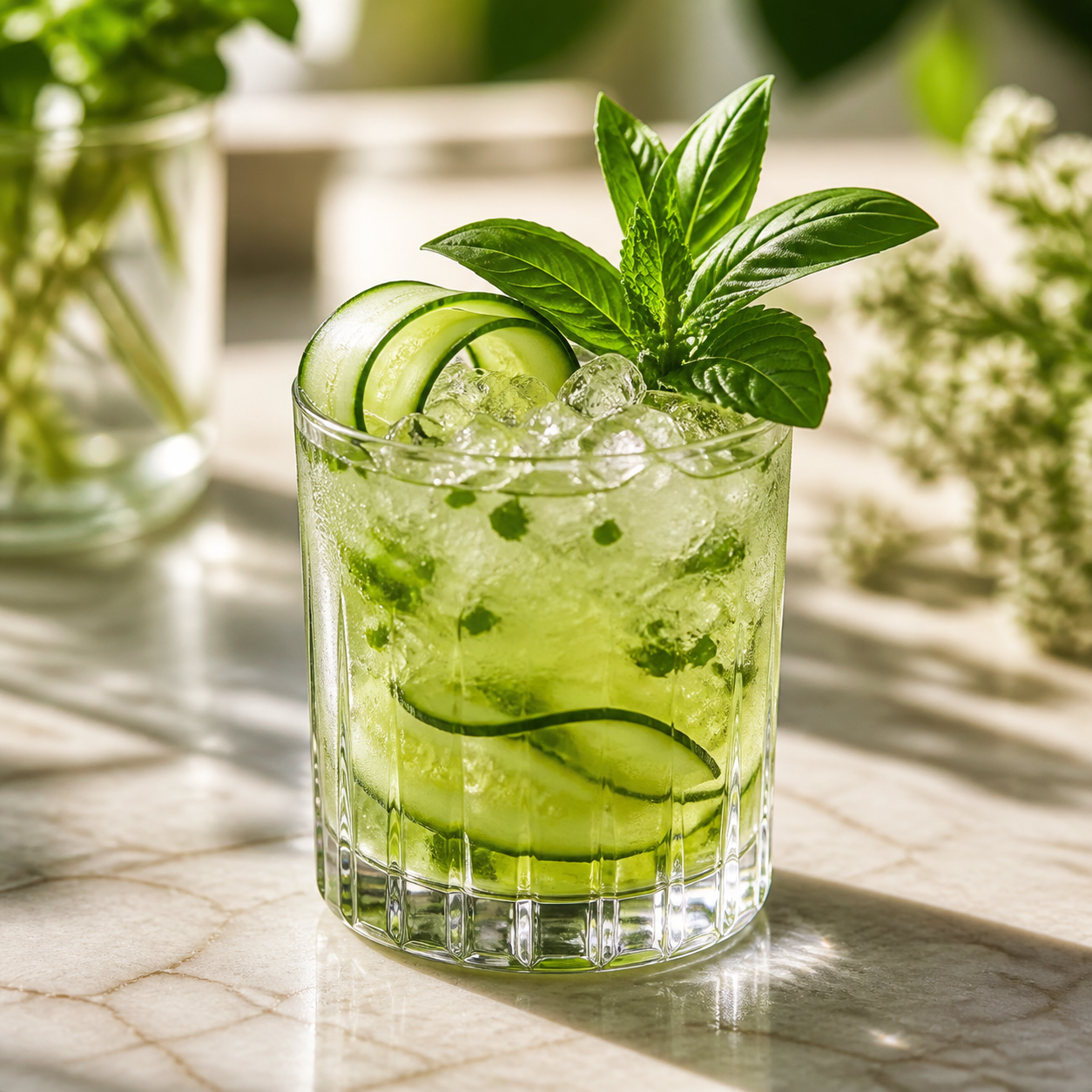
Open Create, choose a saved restaurant context, set the flavor and service goals, then generate. Mixora returns specs, costing, prep, and a matching cocktail image.
Use My Creations for account-saved cocktails and History for recent browser history.
Open Settings and choose Manage billing. Stripe handles plan changes, payment methods, invoices, and cancellation securely.
No. Test every recipe for balance, allergens, ingredient safety, ABV, legality, and service readiness before serving. See the responsible-use disclaimer.
Send a note here and it will appear in the private Mixora support dashboard. Include the account email you use with Mixora so the issue can be matched to the right account.